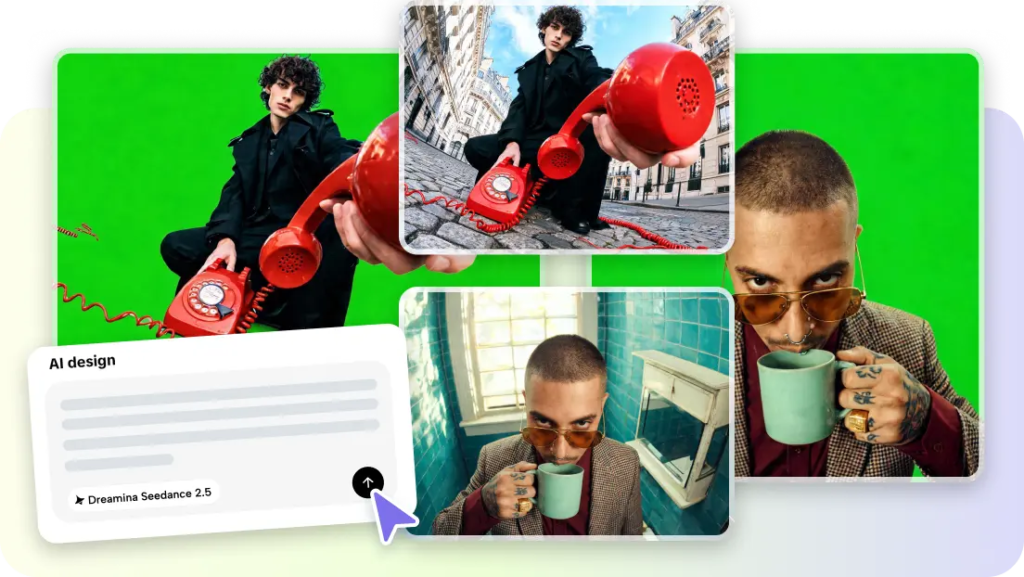
Every great book has a moment that could make a killer trailer the line that gives readers chills, the scene that changes everything, the ending that makes people want to talk about it immediately. Most books never get that treatment, since trailers have traditionally required a production budget reserved for major releases. Pippit’s Seedance 2.5 model changes that, letting authors, publishers, and even readers turn a favorite scene into a cinematic teaser without any video production background.
Since trailers are built like tiny stories, let’s structure this one the same way a screenwriter would in three acts.
Act one: setting up the world
Every good trailer opens by establishing a world and a tone before anything dramatic happens. For a book trailer, this usually means a single evocative image or setting — a candlelit room, a stormy coastline, a bustling city street that immediately signals the genre and mood to a viewer who’s never read a word of the book yet.
Act two: rising tension
The middle of a trailer is where stakes get introduced a hint of conflict, a mysterious figure, an unresolved question. This section should never give away the plot; it should make a viewer need to know what happens next, mirroring exactly what a great first chapter does for a reader.
What makes a scene trailer-worthy in the first place
- A moment with strong visual imagery already described in the text.
- A scene that hints at conflict or mystery without resolving it.
- An emotionally charged beat a reunion, a betrayal, a discovery rather than a quiet transitional scene.
- Enough atmosphere in the writing to translate into a specific visual mood.
Act three: the cliffhanger reveal
Step 1: Upload your reference and write a time-stamped prompt
Open Pippit’s Video Generator, select Seedance 2.5, and upload a cover image or mood reference. Write a time-stamped prompt describing the scene in sequence.
For example: Create a 20-second cinematic book trailer scene for a gothic mystery novel. 0–6 seconds: a candlelit manor at night, fog rolling across the grounds. 7–14 seconds: a figure moves past a window as a storm builds outside. 15–20 seconds: end on a close-up of a locked door slowly creaking open, cutting to black.
Step 2: Time-mark the tension build
Review the draft against how the actual scene builds tension in the book does the pacing escalate the way the writing does, or does it need to slow down and let a moment linger longer? Adjust the prompt if the reveal happens too early or too abruptly.
Step 3: Extend for a longer teaser, then export
If the scene needs more room to build atmosphere before the reveal, use the extension feature to add an earlier or later beat without regenerating the whole sequence. Export at the resolution needed for a retailer page, a social teaser, or a launch event screen.
Reviews are in: making a teaser that actually sells the book
- Match the trailer’s pacing to the book’s actual genre slow and moody for literary fiction, sharp and fast for thrillers.
- Avoid revealing major plot twists, even ones that seem tempting to tease directly.
- Keep the trailer short enough to rewatch, since repeat views are common for genuinely intriguing teasers.
- Treat this as a working AI video generator for an entire backlist, not just a single new release, since older titles can get fresh promotional life from the same process.
Behind the scenes: what makes Seedance 2.5 suited to literary trailers
Creativity transfer for genre-accurate tone
Creativity transfer can replicate the mood and visual language of a specific reference a gothic painting, a noir film still helping a trailer feel authentically suited to its genre rather than defaulting to one generic cinematic look.
Extended runtime for a real narrative arc
With single-clip length increased from 15 to 30 seconds, a trailer has enough room to establish mood, build tension, and land a reveal, rather than compressing all three into a rushed few seconds.
Multimodal fusion for cover-accurate visuals
Uploading the book’s actual cover art alongside a written scene description, supported by input of up to 50 pieces of material, helps keep the trailer’s visual identity consistent with what readers will already recognize from the book itself.
Sound department: scoring the trailer with SeedAudio 1.5
A trailer without sound rarely builds real tension, and SeedAudio 1.5 can generate a genre-matched score or a single narrated line pulled from the book to accompany the visual teaser.
A low, tense instrumental for a thriller or a warm string section for a romance gives publishers a finished, professional-feeling asset without hiring a composer for every title.
Credits: staying true to the source material
A trailer should reflect the actual tone and content of the book, since a mismatch between a dramatic teaser and a much quieter story tends to show up directly in reader disappointment. Building the trailer around a real scene from the manuscript, rather than an invented moment designed purely for drama, keeps the promise made to readers honest.
Give your story its own trailer moment
Every book deserves a chance to make a first impression the way its best scene actually feels, not just through a cover and a blurb.
With Seedance 2.5 inside Pippit, that first impression can finally exist as a real cinematic teaser, without a studio budget behind it. If there’s a scene in your book that gives you chills every time, it might be worth opening Pippit and letting readers feel that too.